Your apps, as they are
There's no list of supported apps. Navigation, video, music, games — whatever is on your phone works on the car screen.
 JONIVIEW
For cars with Wi-Fi hotspot + a web browser
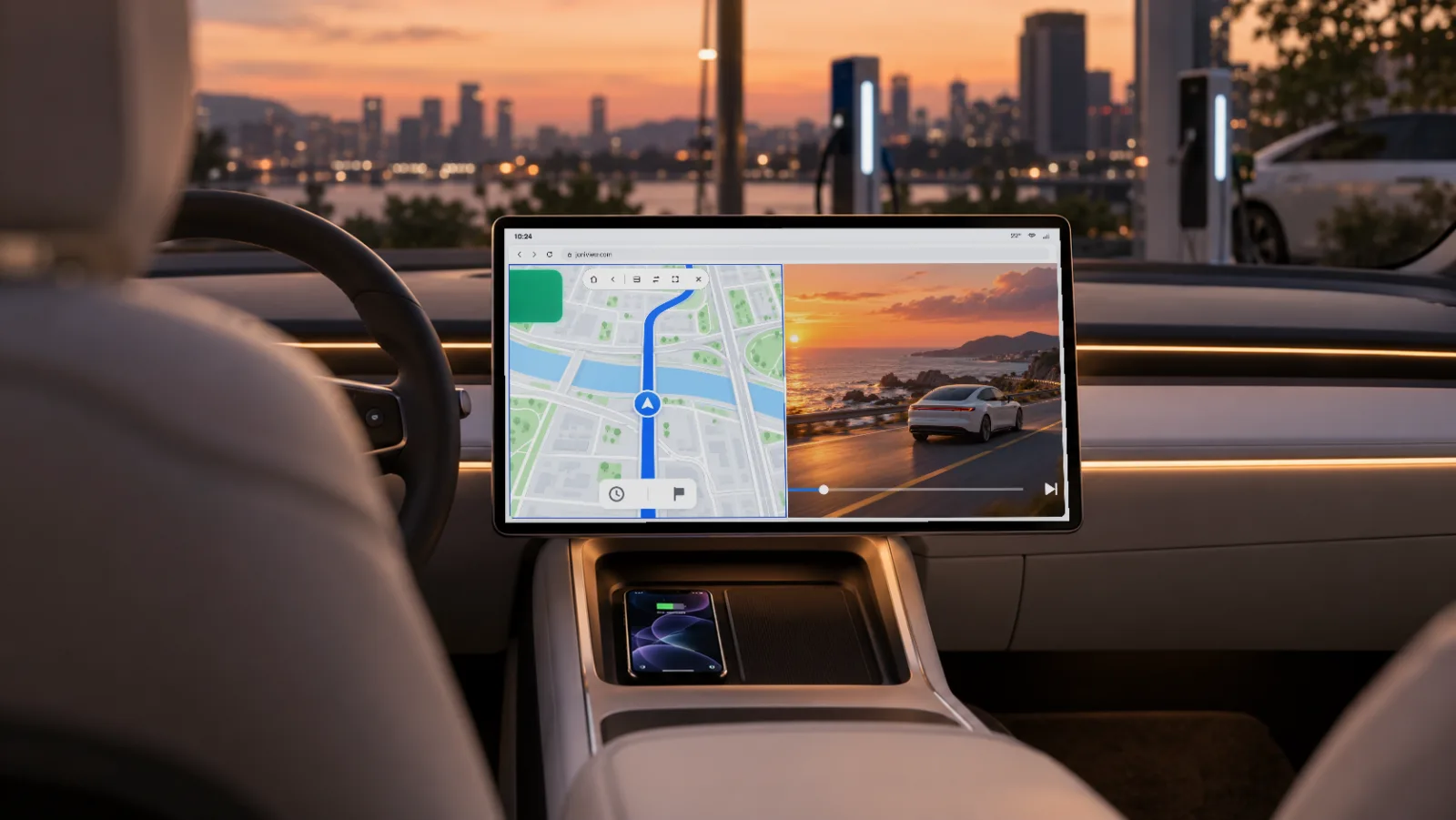
No dongle, no extra hardware. Navigation, video, music, the browser, games — the apps on your phone show up on your car's screen, and you tap them right there.
Why JONIVIEW
Car screens only run the apps they come with, and many cars have no CarPlay or Android Auto — so navigation ends up on a phone mount. JONIVIEW sends your phone's screen to the car's web browser, so the apps you already know work on the big screen.
Try it
Same look and same behavior as the real car screen. Go ahead and tap it.
The apps shown are illustrations.
Features
There's no list of supported apps. Navigation, video, music, games — whatever is on your phone works on the car screen.
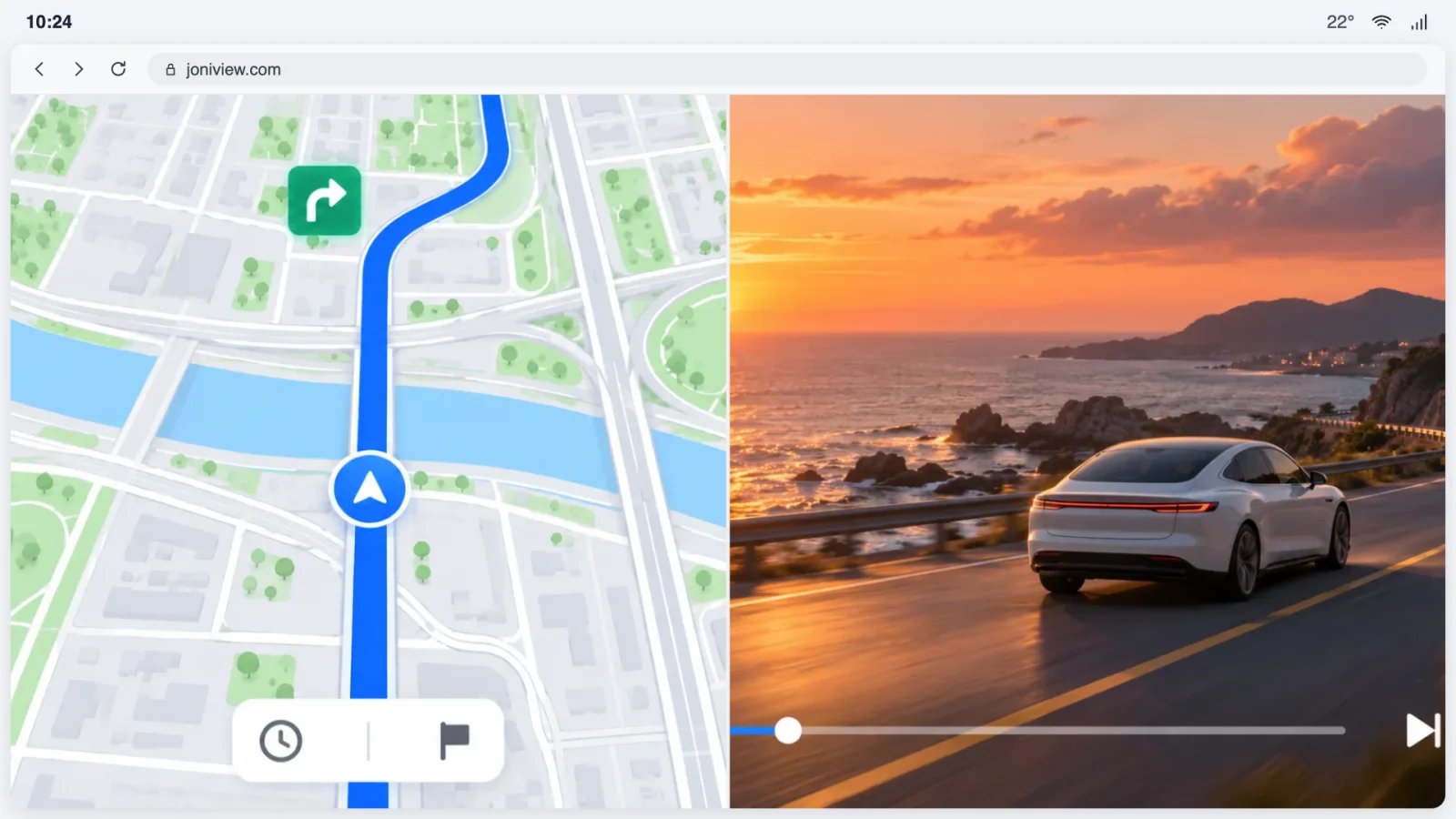
Put two apps side by side or one above the other, at any ratio you like. Your favorite pairs are saved on the home screen.
Search for a destination or type on the keyboard, all on the car's display. No need to pick up your phone.
No extra hardware, no cables. Connect the car to your phone's hotspot and you're set.
The car screen runs separately from your phone's screen, so you can keep navigation on the car and use your phone for something else.
The picture travels only between your phone and your car — never to our servers. A 6-digit code keeps other people out.
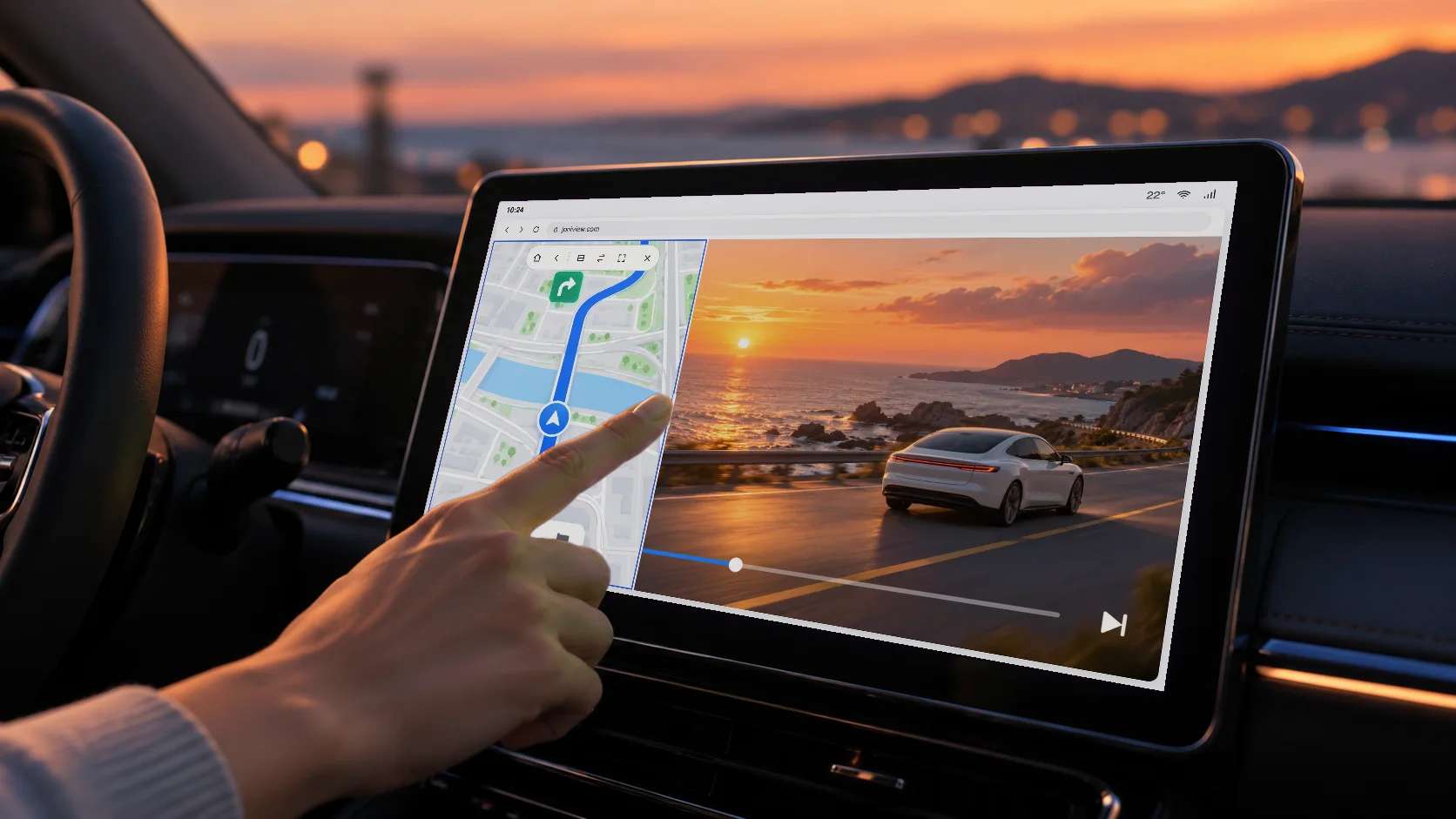
Zoom the map, find a destination, pick the next song — just as you would on your phone, right on the car's display.
While you're parked or charging, watch YouTube on the big screen. It's the same app on your phone, so there's nothing new to sign up for.
How it works
Turn on your phone's mobile hotspot and connect the car to its Wi-Fi.
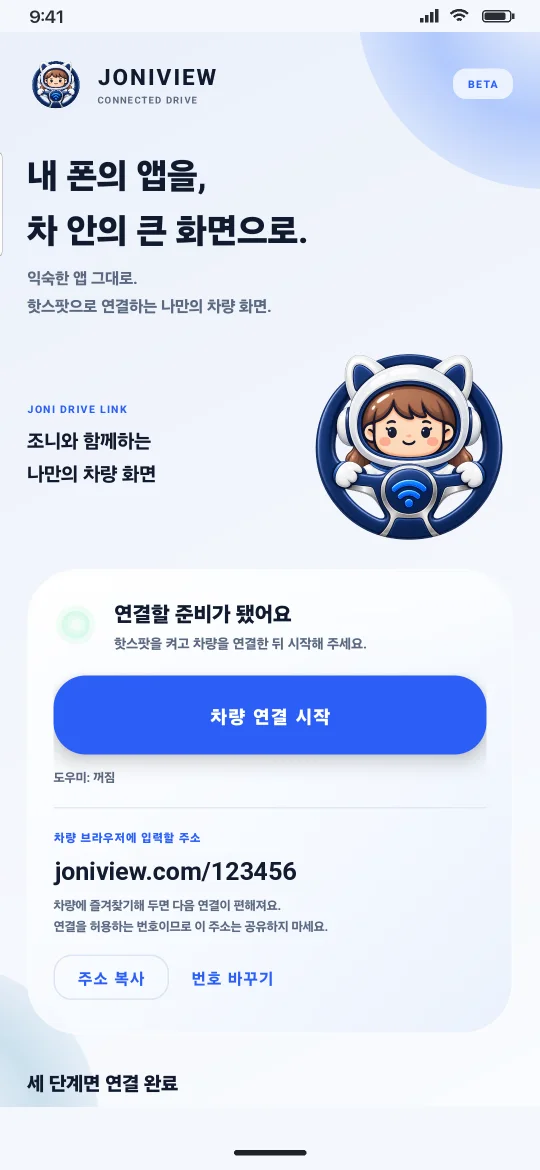
Open JONIVIEW and tap “Start car connection”.
Type the address shown in the app into the car's browser. Bookmark it and it opens in one tap next time.
The first time only, follow the in-app guide to set up “Wireless debugging”. After that, it's just one tap on Start.
The app
All you need is the Start button. The app shows the connection status and the address to open in the car, at a glance.
Pricing
Lifetime license
One-time
Local price shown on Google Play
“For life” means for as long as we offer JONIVIEW. Within 48 hours of purchase, you can request a refund directly on Google Play.
Don't watch videos while driving. Keep videos for when you're parked or charging, and stick to navigation and music on the road. Only touch the screen while driving when you really need to, and follow your local laws.
FAQ
Any car that can join your phone's hotspot (Wi-Fi) and has a web browser (e.g. Tesla). The car needs to stay connected to your phone's hotspot while you use it.
Yes. Like Tesla, any car that can join your phone's hotspot (Wi-Fi) and has a web browser works, whatever the brand.
Android phones running Android 12 or later. iPhone support is in the works.
No. Just turn on your phone's hotspot. There's nothing else to buy.
Yes. Your phone's YouTube app shows up on the car screen as it is. No dongle or cable — just your phone's hotspot. Don't watch video while driving.
Android Auto and CarPlay only work in supported cars and only with supported apps. JONIVIEW uses the car's own web browser, so it works in cars without them and runs whatever apps are on your phone.
The first time only, follow the in-app guide to set up “Wireless debugging”. After that, one tap on Start connects you.
Copy-protected (DRM) video such as Netflix shows up black on the car screen. Unprotected videos and apps like YouTube work fine.
Sending the screen between your phone and car doesn't go through the internet. The videos and maps you use on your phone still use mobile data as usual.
Yes. The car screen runs separately from your phone's screen, so you can keep an app on the car and do something else on your phone.
Only between your phone and your car, inside the same hotspot. We never send your screen to our servers or store it.
Refunds follow Google Play's refund policy. Within 48 hours of purchase you can request one directly on Google Play; after that, contact us using the details below.
We're getting ready to launch on Google Play. Once it's out, the button on this page will take you straight there.
Free to install. One purchase unlocks it for life.
Coming soon to Google Play